

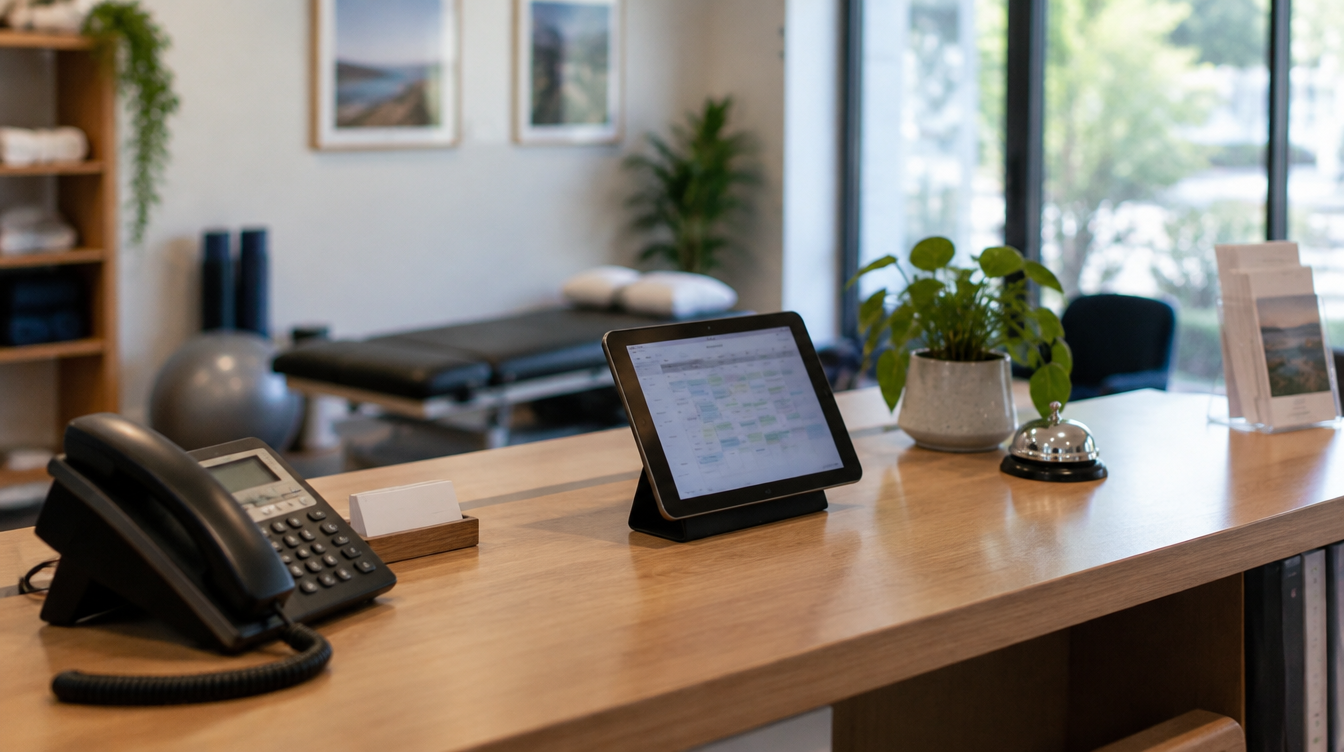
Every missed call is a customer who might ring your competitor instead. AI receptionists answer calls and messages around the clock, capture details and book appointments. This guide explains what an AI receptionist for small business costs, what it replaces and where it falls short.
What is an AI receptionist?
An AI receptionist is an AI agent that answers your phone, website chat or messages. It greets callers, answers common questions, collects their details, checks your calendar and books appointments. When a caller needs a person, it takes a message or transfers the call.
What it can replace
- Missed calls. Calls during busy periods, lunch breaks and after hours get answered instead of going to voicemail.
- Repetitive questions. Opening hours, pricing guides, service areas and parking get answered instantly.
- Booking admin. Appointments are booked, confirmed and reminded without anyone touching the diary.
- Message taking. Every call ends with a clear summary in your inbox or CRM.
What it doesn’t replace
An AI receptionist isn’t a substitute for a person in every situation. Complex quotes, complaints, sensitive conversations and loyal customers who expect to speak with you are still best handled by your team. The best setup lets AI handle the routine calls and passes the rest to a person quickly.
What does an AI receptionist cost?
Pricing varies by provider, but the cost usually has three parts:
- Setup. Configuring scripts, questions, calendar access and handover rules.
- Ongoing fees. A monthly subscription, often with charges based on minutes or calls.
- Integrations. Connecting your booking system, CRM or job management software.
Working out whether it pays off
Compare the cost with what missed calls cost you now. A simple example: if five missed calls a week lead to one lost job worth $400, that is about $20,800 a year in lost revenue.
Then compare it with the full cost of a human receptionist, including wages, superannuation, leave and cover. For many small businesses, the right answer is a mix: AI covering after hours and overflow, with people handling the calls that need them.
Setting it up the right way
- Be upfront. Tell callers they are speaking with an AI assistant, and tell them if calls are recorded.
- Make handover easy. Callers should always be able to reach a person or leave a message.
- Protect personal information. Check where call data is stored and how your provider uses it.
- Review early calls. Listen to a sample each week at the start and fine-tune the scripts.
Frequently asked questions
Will customers know they are talking to AI?
They should. Being upfront builds trust, and most callers are comfortable as long as they get a quick answer and can reach a person when needed.
Can an AI receptionist book into my calendar?
Yes, if your booking system or calendar can be connected. Most modern booking tools support this.
Is an AI receptionist suitable for trades and clinics?
These are some of the best fits, because staff are often busy with customers or on site when the phone rings.
Get an AI receptionist set up
Whitetower builds AI agents for Australian businesses, including AI receptionists connected to your booking and CRM systems. See more AI agent examples, or talk to our team.

