



Business process automation takes the repetitive steps out of everyday work. Add AI, and it can handle the parts that used to need a person to read, sort or decide. This guide shows where business process automation saves Australian businesses the most, and how to get started.
What is business process automation?
Business process automation (BPA) uses software to complete the steps in a process without someone doing them by hand. When a form is submitted, the details go into your CRM, the right person is notified and a confirmation is sent, all without anyone copying and pasting.
AI extends this. Traditional automation needs tidy, predictable inputs. AI can read an email, understand a document or decide which queue a request belongs in, so far more of your processes can be automated end to end.
Signs a process is ready to automate
- It happens often, daily or weekly.
- It follows the same steps most of the time.
- The information is already digital: emails, forms, spreadsheets or system records.
- People copy the same data between two or more systems.
- Mistakes or delays in the process cost you money or customers.
Six processes where automation saves the most
1. Lead and enquiry handling
New enquiries are captured, sorted, entered into the CRM and assigned automatically, with an instant acknowledgement to the customer.
2. Customer onboarding
Welcome emails, account setup, document collection and reminders run on their own, so every new customer gets the same experience.
3. Document and data processing
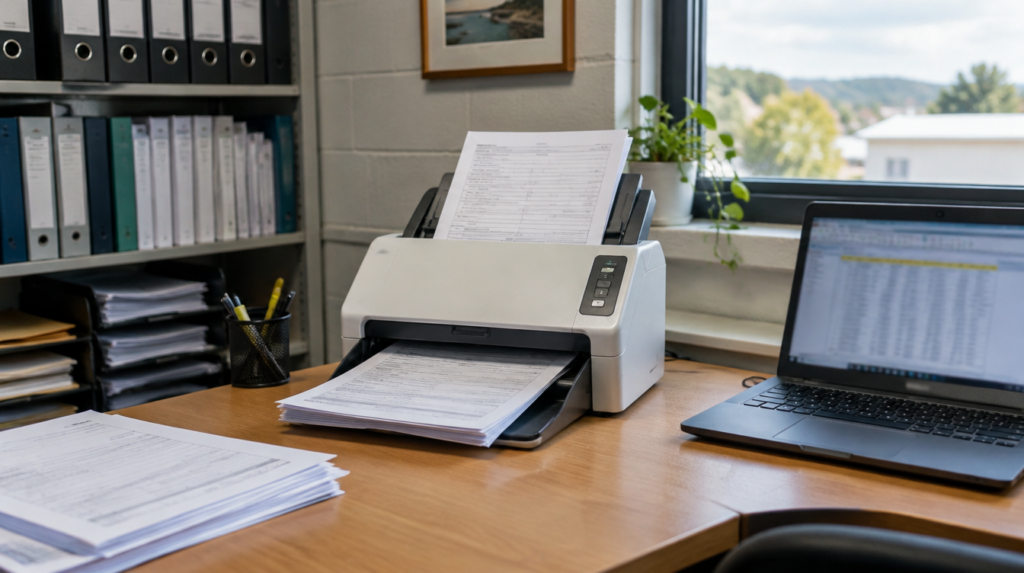
AI reads invoices, forms and contracts, extracts the details and puts them where they belong. This is often the single biggest time saving for admin teams.
4. Approvals
Leave requests, purchase approvals and content sign-offs move to the right person automatically, with reminders, so nothing sits in someone’s inbox for a week.
5. Invoicing and payments
Invoices are created from completed jobs, sent on time, and followed up automatically when they go overdue. Cash comes in faster with less chasing.
6. Reporting
Data from several systems is pulled together into regular reports, with an AI-written summary of what changed.
Business process automation software: your options
There are three main ways to automate, and most businesses use a mix:
- Built-in features. Your CRM, accounting software and office suite likely include automation already. Start here, as it usually costs little or nothing extra.
- Integration platforms. Tools such as Zapier, Make and Microsoft Power Automate connect apps that don’t talk to each other, without custom code.
- Custom automation and AI agents. When processes are complex, span many systems or are central to how you compete, a custom build gives you full control.
How to automate a process, step by step
- Map the process. Write down every step, system and decision as it works today.
- Measure it. Record how often it happens, how long it takes and what errors cost.
- Fix it first. Remove unnecessary steps before automating. Automating a bad process just makes mistakes faster.
- Automate in stages. Start with the highest-volume steps, test them and keep a person approving important outputs.
- Measure again. Compare results against your baseline so you know what the automation is saving.
Common mistakes
- Choosing a tool before understanding the process.
- Trying to automate everything at once.
- No owner responsible for the automation once it is live.
- No baseline, so no way to prove the savings.
Frequently asked questions
What are the benefits of business process automation?
Less manual work, fewer errors, faster turnaround, more consistent customer experience and lower running costs.
Is business process automation only for large companies?
No. Small businesses often benefit most, because every hour saved matters more in a small team.
How much does business process automation cost?
Built-in features and simple integrations are inexpensive. Custom automation costs more and should be targeted at the processes with the biggest savings, so it pays back quickly.
Get help automating
Whitetower is a Sydney AI automation agency. We audit your processes, rank them by savings and build the automations that pay back fastest. Read our overview of how Australian businesses are cutting costs with AI automation, or talk to our team.

